


CSS Minifier
PRO
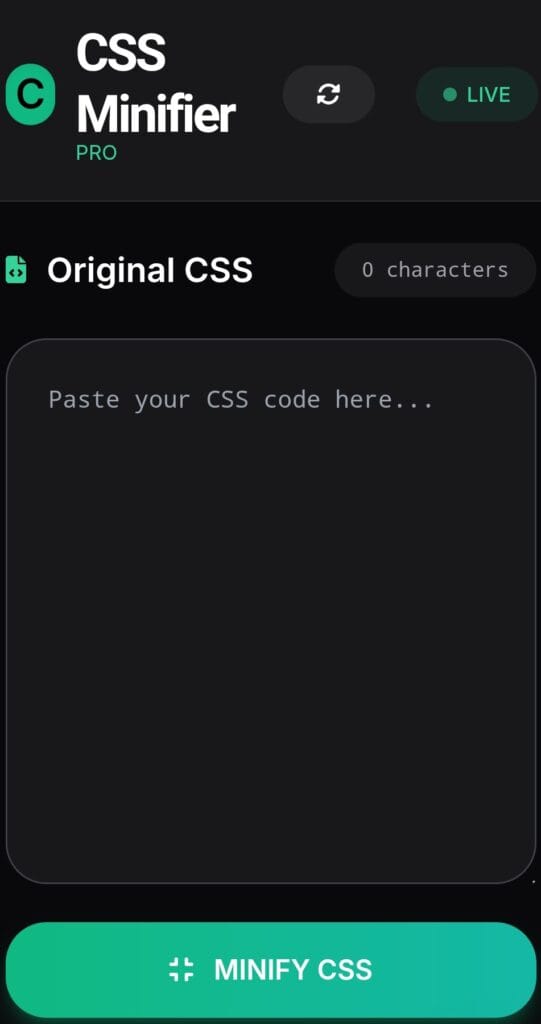
Original CSS
Minified CSS
REDUCTION
0%
Original Size
0 KB
Minified Size
0 KB
How to use CSS Minifier
CSS Minifier Online - Free Professional CSS Compressor Tool
Welcome to the ultimate CSS Minifier - a powerful, responsive, and lightning-fast web application designed to compress your CSS code for optimal website performance. This professional CSS minifier removes unnecessary whitespace, comments, and optimizes your stylesheets, reducing file size by up to 70% without breaking functionality.
Why Use Our CSS Minifier?
In today's competitive digital landscape, website speed is crucial for user experience and SEO rankings. Our CSS Minifier helps developers and designers create faster loading websites by minimizing CSS files. This tool is completely free, works directly in your browser, requires no installation, and processes your code securely without sending data to any server.
Key Features of Our Pro CSS Minifier
- Fully responsive design that works perfectly on mobile, tablet, and desktop devices
- Beautiful modern UI with attractive emerald and teal color scheme
- Real-time statistics showing original size, minified size, and percentage reduction
- One-click copy and download functionality
- Reset button to quickly clear all fields
- Removes CSS comments, extra whitespace, and optimizes selectors
- Preserves important CSS syntax and media queries
- Live character count and size calculation
How to Use CSS Minifier - Step by Step Guide
1. Open the CSS Minifier in your browser on any device - desktop, laptop, tablet or smartphone.
2. Paste or type your CSS code in the left input area. You can paste large CSS files containing thousands of lines.
3. Click the prominent MINIFY CSS button. Our JavaScript algorithm will instantly process your code.
4. Review the minified result in the right panel. Check the reduction percentage to see how much space you saved.
5. Use the Copy button to copy the minified CSS to your clipboard or download it as a .css file.
6. Use the Reset button anytime to start fresh with new CSS.
Benefits of CSS Minification
Minifying CSS brings multiple advantages to your web projects:
- Faster page load times leading to better user engagement
- Reduced bandwidth usage, especially important for mobile users
- Improved Core Web Vitals scores for better Google rankings
- Smaller deployment package size for production websites
- Cleaner code delivery to end users while maintaining original functionality
Who Should Use This Tool?
Frontend developers, web designers, digital marketing professionals, bloggers, e-commerce store owners, and anyone managing websites can benefit from this CSS Minifier. Whether you're working on a small landing page or a large-scale web application with complex styles, this tool will help you optimize performance.
This responsive CSS minifier was built with pure HTML, Tailwind CSS, and vanilla JavaScript ensuring maximum compatibility and speed. The interface is designed to be intuitive for both beginners and experienced developers. The attractive dark theme with vibrant emerald accents provides excellent readability even during late-night coding sessions.
Try it now and experience the difference minified CSS can make to your website speed. Perfect for production optimization, learning purposes, and daily development workflow. Bookmark this tool and use it anytime you need to compress CSS quickly and efficiently.
Keywords: css minifier, css compressor, minify css online, css optimizer, free css minifier, responsive css tool, css performance, website speed optimization, css minification tool 2026